How to Refresh Your Workspace in Just Ten Minutes
Refreshing your workspace doesn’t have to be a major project that takes hours. Sometimes, a quick ten-minute reset is all you need to feel more focused, motivated, and comfortable in your office or home workspace. Whether you work from home or have a dedicated office, small changes can make a big difference.
In this post, we’ll guide you through easy, effective ways to refresh your workspace quickly. These tips require minimal effort but can have an immediate positive impact.
Why Refresh Your Workspace?
A cluttered or uninspiring workspace can affect your mood, concentration, and productivity. On the other hand, a tidy, organized, and visually pleasing environment helps reduce stress and keeps you motivated. A quick refresh can:
– Improve mental clarity
– Increase your energy
– Boost creativity
– Make your workday more enjoyable
Now, let’s get to the steps that you can accomplish in about ten minutes.
Step-by-Step Guide to Refresh Your Workspace
1. Clear Your Desk Surface (2 Minutes)
Start by removing everything from your desk except the essentials. This includes papers, notebooks, gadgets, and random items that tend to accumulate. Put away anything that’s not immediately needed for your current task. A clear desk helps reduce distraction and opens up your workspace.
2. Declutter and Organize (3 Minutes)
Sort through the items you cleared off. Quickly decide what to keep, what belongs elsewhere, and what to discard or recycle. Use a small container or drawer to store gadgets, pens, or notes neatly. Arranging your workspace tools in an orderly fashion saves time later and creates a tidy appearance.
3. Wipe and Dust (2 Minutes)
Take a moment to wipe down your desk surface, keyboard, and monitor screen. Use disinfecting wipes or a microfiber cloth. Dust and smudges can add to a feeling of chaos and neglect. A clean surface feels fresh and inviting.
4. Adjust Your Lighting (1 Minute)
Proper lighting makes a huge difference. If possible, open blinds or curtains to invite natural light. If your space is dim, turn on a desk lamp or replace bulbs with brighter, warmer options. Consider moving your desk closer to a window or repositioning your light source to reduce glare and eye strain.
5. Add a Green Touch or Personal Item (1 Minute)
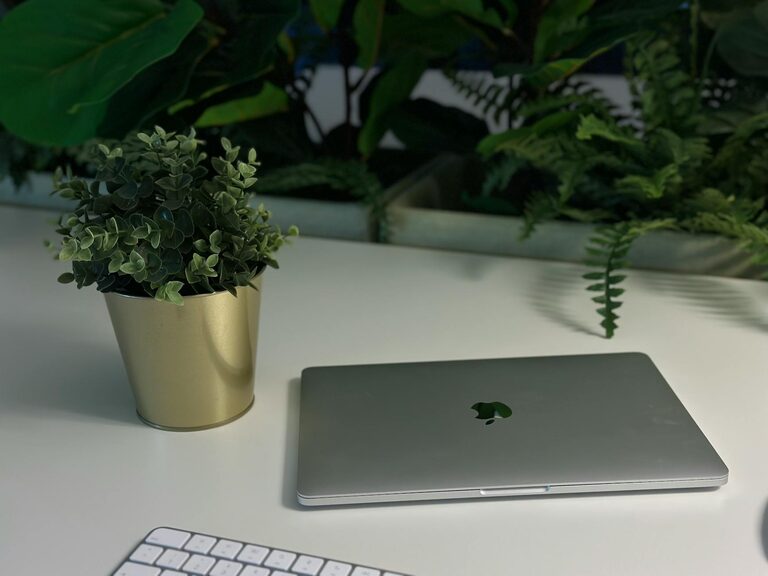
Bring in something to personalize and uplift your space, like a small plant, a photo, or an inspiring object. Indoor plants not only look good but can improve air quality and mood. Personal items remind you of your goals and add a welcoming vibe.
6. Quick Digital Clean-Up (1 Minute)
Lastly, spend a minute closing unnecessary tabs, organizing desktop icons, or tidying your digital workspace. A cluttered digital desktop can be just as distracting as a physical one. Use this time to create a clean virtual environment for better focus.
Bonus Tips for a Longer-Lasting Refresh
– Weekly Maintenance: Dedicate the last 5–10 minutes of your workweek to tidying your workspace completely.
– Cable Management: Use clips or sleeves to keep cords neat and avoid tangling.
– Ergonomics Check: Adjust your chair height, monitor position, and keyboard placement for comfort.
– Scent and Sound: Add a subtle diffuser with your favorite scent or play calming background music to enhance mood.
Conclusion
Refreshing your workspace doesn’t have to be time-consuming or complicated. With these simple, ten-minute steps, you can create a clean, inspiring, and efficient environment that helps you perform at your best. Try incorporating this quick routine regularly, and notice how small changes improve your daily work experience.
Ready to give it a try? Set a timer for ten minutes, gather your supplies, and enjoy your refreshed workspace!